
Create Handwritten Study Notes Using Gemini and NotebookLM
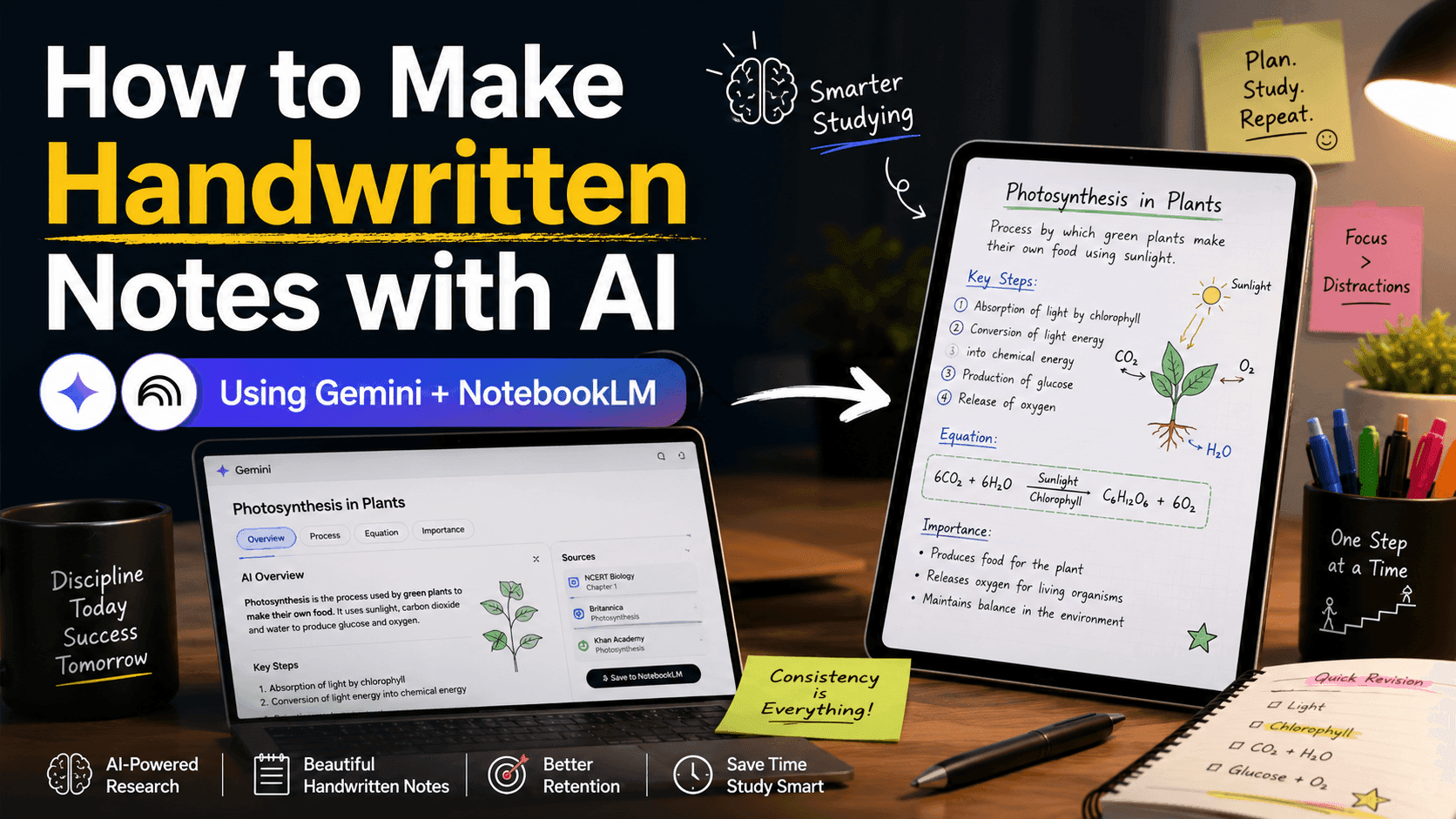
Overview
A streamlined workflow for generating visually attractive, handwritten-style educational materials using Gemini and NotebookLM.
Use Cases
Exam preparation, educational YouTube videos, Instagram carousels, academic projects, and online course materials.
Tools Required
Gemini / ChatGPT: For deep research, text synthesis, and data formatting.
NotebookLM: For organizing the synthesized data and generating visual outputs (Slide Decks/Images) via prompt-driven styling.
Workflow Execution
Step 1: Define a Precise Topic
Avoid broad subjects (e.g., "Cars"). Use focused, specific scopes (e.g., "CNG vs. EV Cars in India"). Narrow scopes yield higher-quality research and cleaner visuals.
Step 2: Execute Research (Gemini)
Run a comprehensive query (using Deep Research mode if available).
Research Prompt:
"Create a detailed research report on CNG cars vs EV cars in India. Include cost comparison, maintenance, fuel efficiency, environmental impact, government policies, pros and cons, and final recommendation for Indian buyers."
Action: Review the generated text and strip out irrelevant sections.
Step 3: Data Cleansing & Structuring
Never input raw links or unfiltered text into NotebookLM. Cleanse and structure the data first to ensure consistent visual output.
Cleanup Prompt:
"Summarize this report into a clean study notes format. Use simple language, short paragraphs, headings, bullet points, and important highlights. Make it suitable for handwritten study notes."
Step 4: Ingest into NotebookLM
Create a new notebook in NotebookLM. Paste your structured text or upload it as a document. Allow the system to process the source material.
Step 5: Generate Visual Output
Use NotebookLM's visual generation features (like Slide Decks). Apply highly specific stylistic prompts to control the design, layout, and language.
Prompt Library for NotebookLM
| Output Format | Execution Prompt |
|---|---|
| Standard Notes | "Create handwritten-style study notes based on the provided research. Use an Indian student notebook style with natural pen pressure, clean headings, highlighted important points, small diagrams, arrows, boxes, and short explanations. Keep the notes visually attractive and easy to understand. Use a mix of Hindi and English where required. Make the output suitable for educational slides." |
| Presentations | "Convert the provided research into handwritten educational slides. Use a 16:9 landscape format. Each slide should look like a neat handwritten notebook page. Add headings, subheadings, bullet points, icons, comparison tables, arrows, and highlighted keywords. Keep the language simple and student-friendly." |
| Bulk Notes | "Generate a complete set of handwritten study notes from the given content. Make each page visually different but consistent in style. Use realistic handwriting, pen pressure, underlines, colored highlights, margin notes, diagrams, and exam-focused points. Organize the notes into sections with clear titles. Avoid overcrowding. Use simple explanations and include examples wherever needed." |
Optimization Strategies
Input Quality: Always filter data before generation. Overcrowded or confusing text inputs directly result in messy visual outputs.
Explicit Parameters: Dictate the aspect ratio (
16:9 landscape), style (handwritten notebook page), and language mix (Hindi,English, orHinglish).Post-Processing: If NotebookLM generates static outputs, export the image assets and import them into a presentation tool (e.g., PowerPoint) to construct fully controllable explainer videos or reels.
Article Summary
Learn a practical workflow to research, organize, and generate handwritten-style study notes and slides using Gemini and NotebookLM.
Frequently Asked Questions
Want this standard inside your institute?
20-minute discovery call. Plan in 24 hours.