
How to Launch Your Batch on Classplus or AppX Without Losing Weeks to Uploads
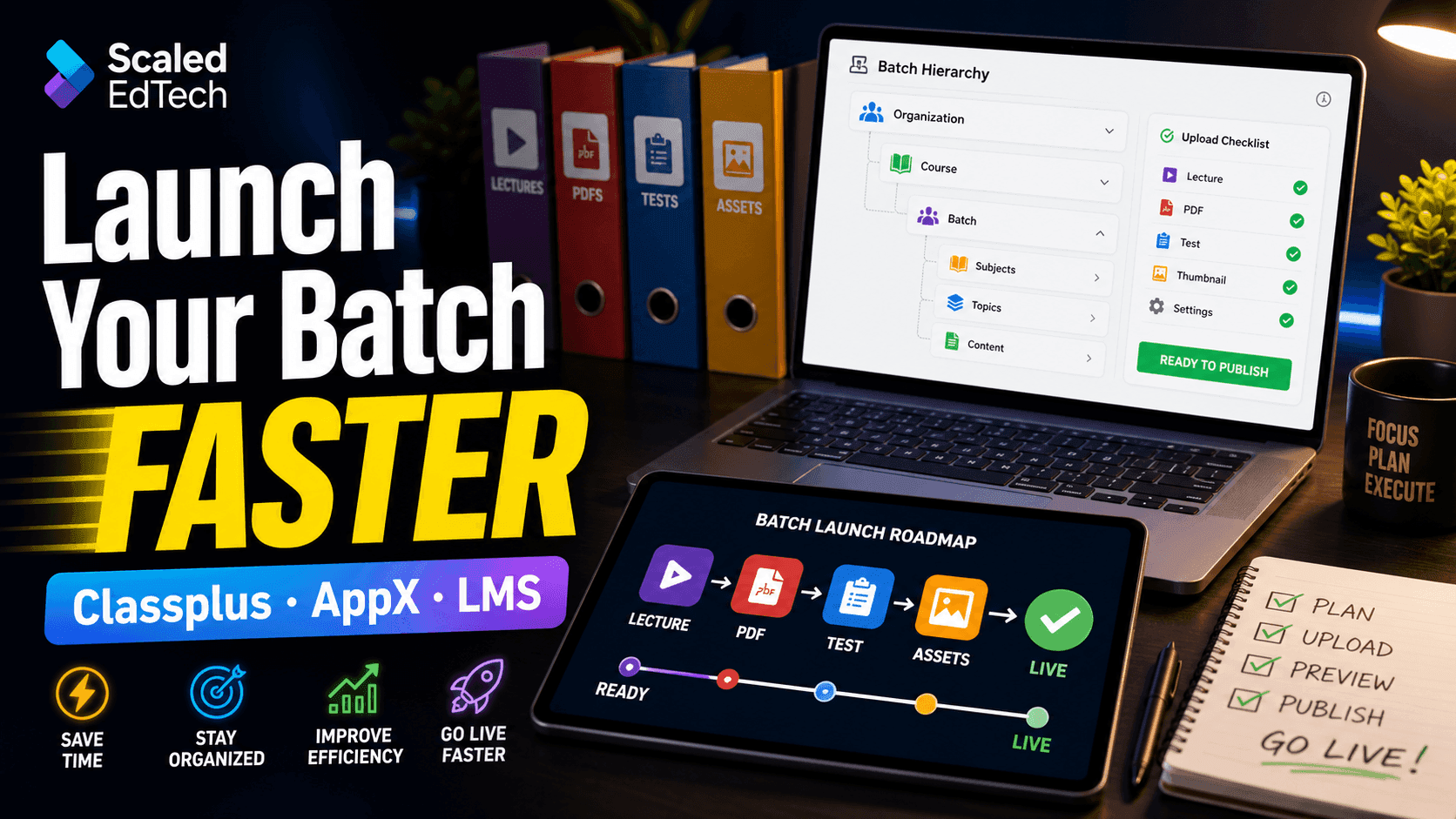
Your batch was ready three weeks ago. Your app still is not.
The hidden launch delay
Most delays happen after content production: 150–300 assets still need naming, formatting, tagging and uploading. Preparation debt turns a finished batch into weeks of rework.
Four bottlenecks that eat time
- Video, PDF and test formatting failures.
- No shared tagging plan.
- App structure invented during upload.
- File naming chaos and platform limits.
Build the content inventory first
Use a batch → subject → chapter → item hierarchy. Give every asset a unique code, fixed naming convention, format status and upload status before anyone opens the app.
Convert before uploading
Use MP4 with H.264/AAC at 720p, compressed selectable PDFs, watermarks, and the platform’s exact test template. Import one video, one PDF and five questions first.
Tag and sequence for students
Use consistent exam, subject, chapter and content-type tags. Keep the hierarchy shallow and repeat Lectures, Notes, DPP and Tests in every chapter.
Run a ten-minute QC audit
Test videos on mobile data, open random PDFs, attempt a test, compare item counts, verify pricing and walk through one complete student journey.
When to hand off the upload grind
ScaleEdTech provides bulk LMS uploading and LMS content development for Classplus, AppX and custom apps: formatted, tagged, sequenced and QC-checked with 100% IP exclusivity.
Article Summary
A practical workflow for structuring, formatting, tagging and uploading coaching content to Classplus, AppX or a custom LMS.
Frequently Asked Questions
Want this standard inside your institute?
20-minute discovery call. Plan in 24 hours.